
Recommend View #
The Recommend view is a dashboard that shows you, like its name, the recommended actions for your organization. The Recommend view is a resulting combination of PatchFox’s analysis and forecasting, and is the section we are truly excited about. Most security tools out there really focus on getting the vulnerability data in front of your screen and end their responsibility there, leaving the user to deal with with an overwhelming amount of data where mostly the user doesn’t know where or how to start. What if PatchFox could not only help you resolve issues more easily, but reduce security problems for the future in the first place? How can we make life easier for you in the future by applying the information we know and the goals you have? That’s exactly what the Recommend view does.
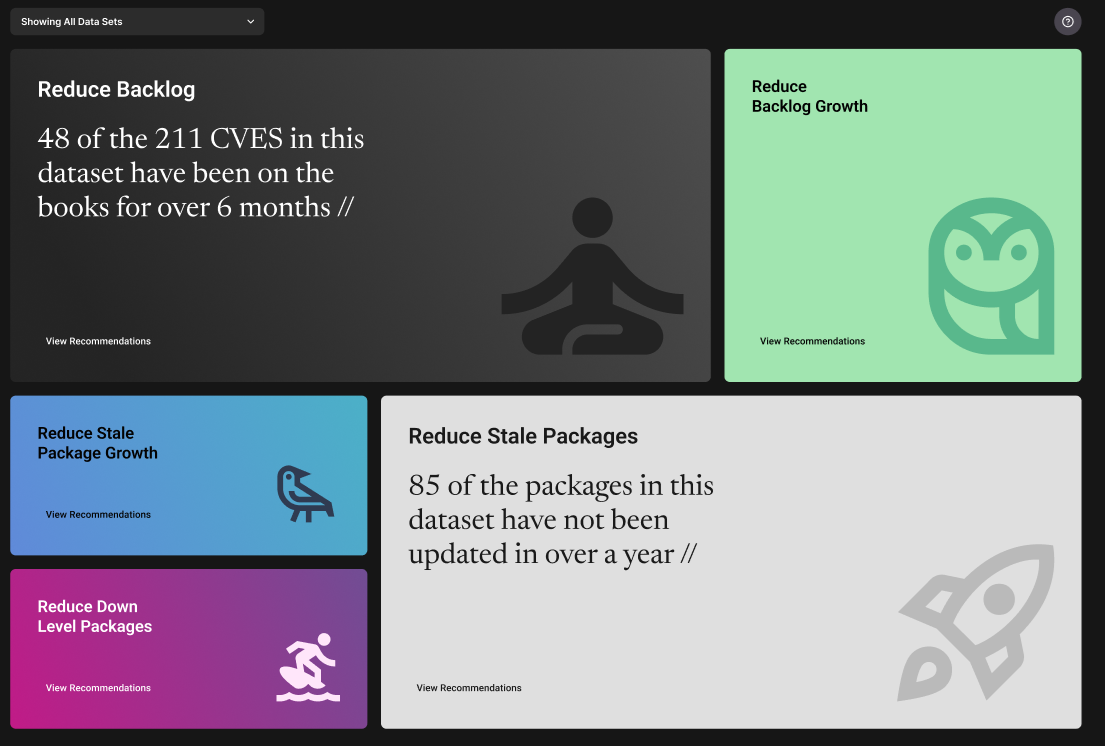
Once you’ve viewed the data analysis for your datasources in the Track view, you can then view the recommended action items categorized by topic. This gives you a summary of what you could do to prevent and reduce upcoming toil and improve your organization’s security trend as a whole. This view is what differentiates PatchFox from the other tools out there – whereas current tools place focus on current remediation, we also help smartly plan for what’s next, all derived from your previous patterns and your priorities. With earlier planning, the future does not have to be a nightmare. Whether you want to focus on lowering your overall CVE score, or remediating the most number of vulnerabilities, reducing outdated packages, or something entirely different, it’s completely up to you.
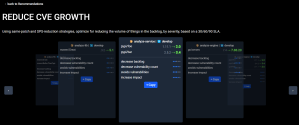
When you click on each section, the detailed recommendation steps and the advantages of applying each recommended action is shown like the following:

You can click on the “back to Recommendations” option on the top left, to go back to the general Recommend view to view other buckets. The recommend view will show you several different sections for recommendation, including:
- Reduce CVEs & its growth
- Reduce CVE backlog & its growth
- Reduce Stale Packages & its growth
- Reduce Downlevel Packages & its growth
… and more


As you can see, each bucket has its specific goal and a different KPI, and so it helps you as an organization leader to make the decision on which bucket you want to prioritize. As every organization has different goals and priorities, the Recommend view makes it easy for you to act quickly and solve the main problem you think your organization needs to tackle.
If you have any questions or concerns regarding the Recommend view, please reach out to us with the Help button or email us at ask@patchfox.io.
Frequently Asked Questions #
Q: Once I click on a section, it shows me the required action and its benefits. If I make the changes in my repository code, will my dashboard update automatically?
A: As long as you have the PatchFox job set up in your pipeline (to regularly ingest your data), we will automatically pick the changes up and display them on the dashboards.
Q: Can I snooze or deprioritize some recommendations?
A: We show you the best recommended actions at the time and what actions need to happen first from a security perspective. However, we do understand that each organization has different priorities and requirements. Currently, snoozing recommendations is not supported but we are working on the feature to be able to customize these priorities and apply them to your dashboards. More info coming soon!


